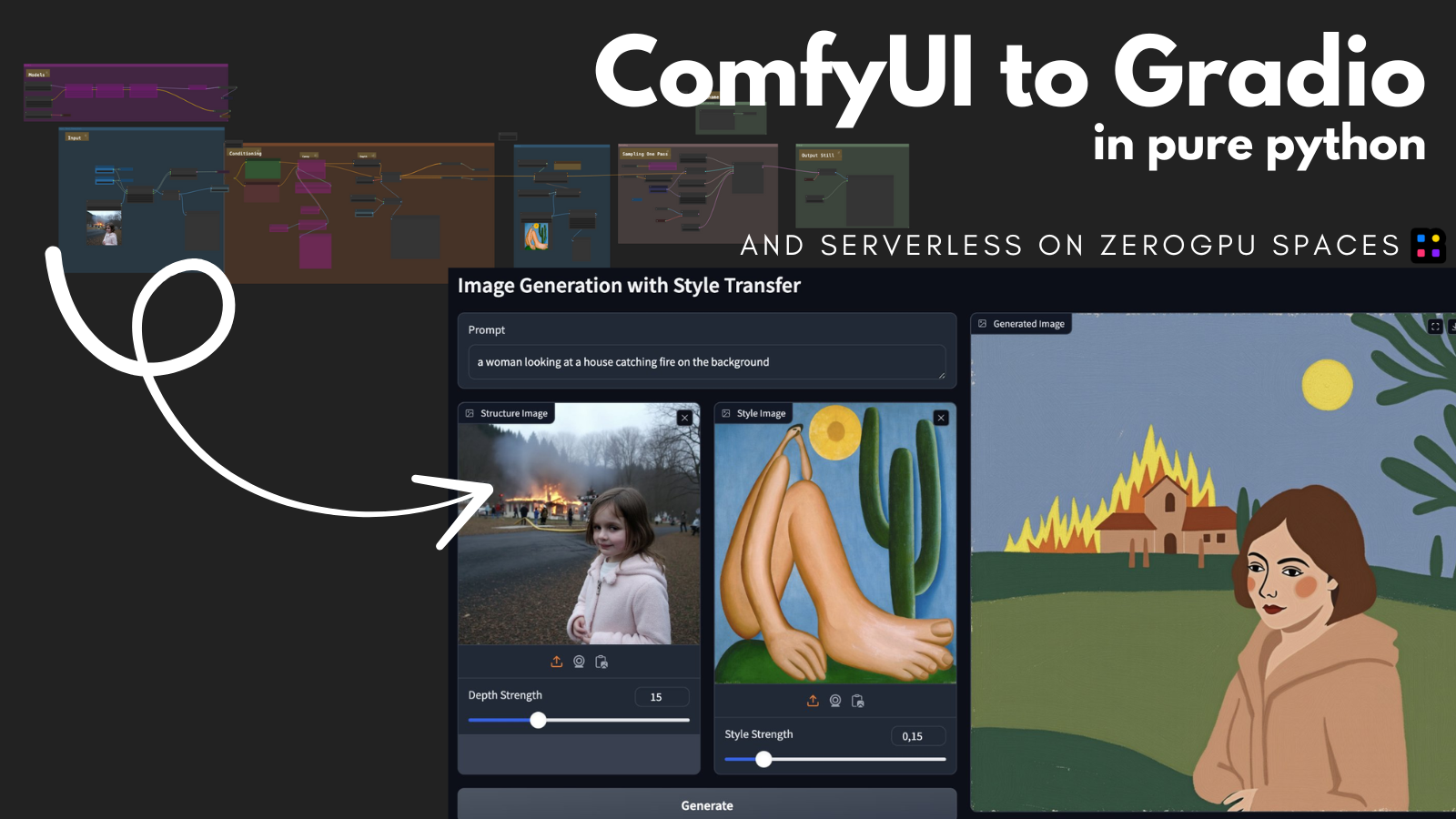
Run ComfyUI workflows for free with Gradio on Hugging Face Spaces
About this article
We’re on a journey to advance and democratize artificial intelligence through open source and open science.
Back to Articles Run ComfyUI workflows for free with Gradio on Hugging Face Spaces Published January 14, 2024 Update on GitHub Upvote 95 +89 Apolinário from multimodal AI art multimodalart Follow Charles Bensimon cbensimon Follow Index: Intro Prerequisites Exporting your ComfyUI workflow to run on pure Python Create a Gradio app for your ComfyUI app Prepare it to run on Hugging Face Spaces Exporting to Spaces and running on ZeroGPU Conclusion Intro In this tutorial I will present a step-by-step guide on how to convert a complex ComfyUI workflow to a simple Gradio application, and how to deploy this application on Hugging Face Spaces ZeroGPU serverless structure, which allows for it to be deployed and run for free in a serverless manner. In this tutorial, we are going to work with Nathan Shipley's Flux[dev] Redux + Flux[dev] Depth ComfyUI workflow, but you can follow the tutorial with any workflow that you would like. The tl;dr summary of what we will cover in this tutorial is: Export your ComfyUI workflow using ComfyUI-to-Python-Extension; Create a Gradio app for the exported Python; Deploy it on Hugging Face Spaces with ZeroGPU; Soon: this entire process will be automated; Prerequisites Knowing how to run ComfyUI: this tutorial requires you to be able to grab a ComfyUI workflow and run it on your machine, installing missing nodes and finding the missing models (we do plan to automate this step soon though); Getting the workflow you would like to export up and running (if ...

![[2603.16430] EngGPT2: Sovereign, Efficient and Open Intelligence](https://arxiv.org/static/browse/0.3.4/images/arxiv-logo-fb.png)